
Ticketmaster
Discover showsImports comedy listings into the programme.

01 / STAND-UP.CO.UK · LIVE COMEDY
Putting on a comedy night means keeping listings, bookings, promotion and payments in step. Here’s what Contact25 built to take repeat work off the organiser’s desk.
INSIDE THE BOX OFFICE
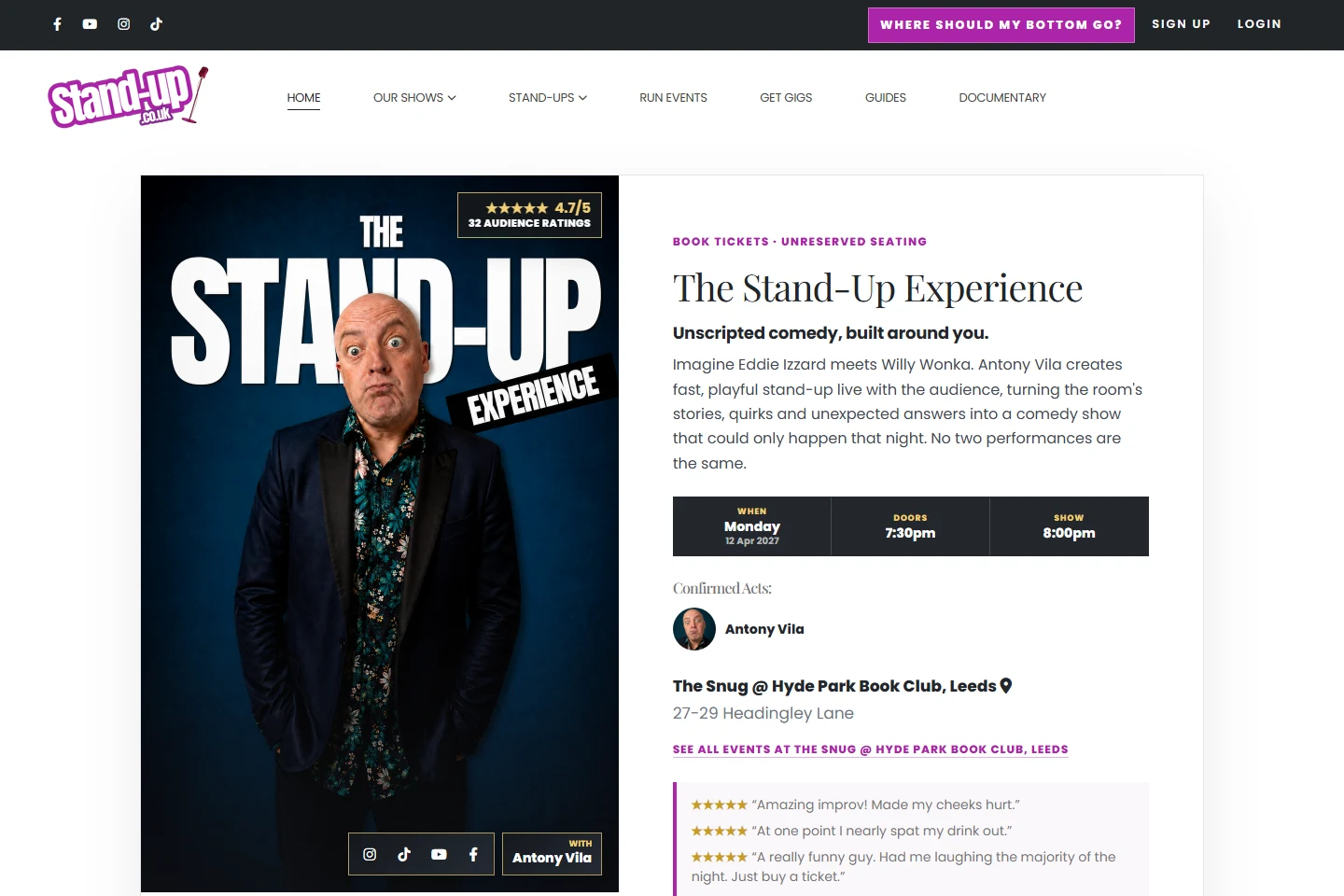
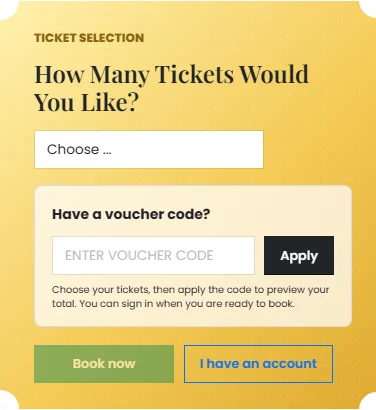
A fan can see who's on, choose how many tickets they want and see the price on the show's own page. Here's what that looks like for The Stand-up Experience in Leeds.
CONNECTED PLATFORMS
A listing is how a fan finds the show. An order is what the organiser needs on the door. We built the connections to handle both.
Imports comedy listings into the programme.

Creates event listings and imports orders from connected accounts.

Imports orders against upcoming shows.

Brings Skiddle orders into the box office.

Matches booked seat numbers to the venue plan or assigns available seats together when the order has no seat numbers.
THE SHOW PROGRAMME
Scheduled imports bring in festival and ticketing listings. That gives the site a way to keep its programme current without an organiser retyping every show.
Order imports from platforms including Eventbrite and TicketSource bring sales back into Stand-up.co.uk. The box office can work from imported orders instead of gathering separate exports before each gig.
The publishing system dispatches scheduled posts and checks publication status. Reporting jobs bring channel activity and search data back together so the next campaign can draw on what happened.
The reminder workflow checks paid bookings against the event date. It prepares different emails seven days, three days and one day before the gig, so fans receive information relevant to their show.
See Tickets sales feed settlement previews and invoicing. The figures can be reviewed against ticket activity, giving the financial follow-up its own place in the workflow.
FOR THEATRES & VENUES
Lay out the seats, preview your show page and prepare the first campaign for free.
Build my venue ↗